
If you’ve ever stared at a blank screen trying to outline a podcast episode on a complex topic, you know how daunting the research phase can be. Traditional research can take days to compile, but new AI workflows have completely transformed content creation.
In this tutorial, I walk you through my entire mobile-first workflow for researching, writing, and producing a studio-quality podcast episode from scratch. By leveraging Google Gemini and NotebookLM, I took a highly complex topic—the agronomic history of the Camacho Triple Maduro cigar—and turned it into a published podcast episode in under an hour.
Here is a step-by-step breakdown of exactly how I did it:
1. Gemini Deep Research
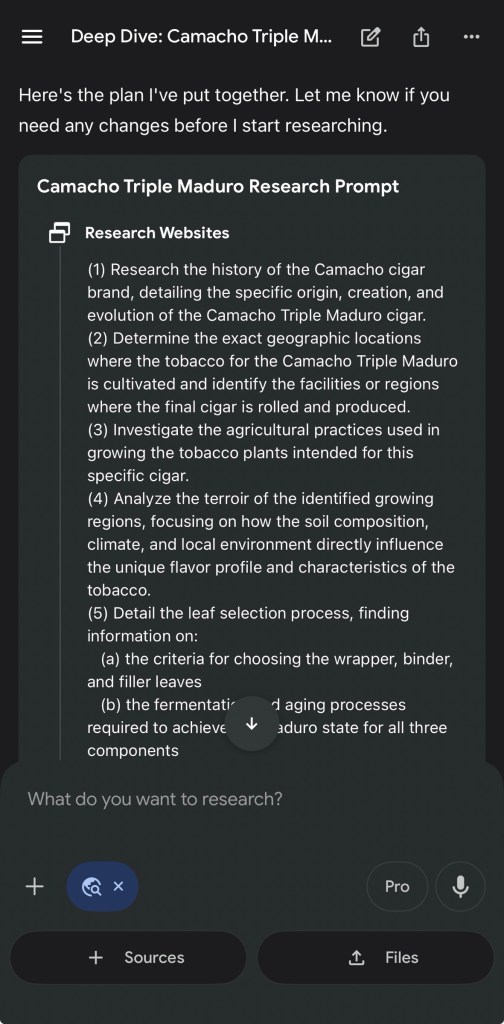
The workflow begins by tackling the “blank page” problem using Gemini’s Deep Research feature. Gemini is an “open-world” generative engine designed for dynamic exploration, zero-to-one creation, and real-time reasoning using its vast pre-trained knowledge base and internet access.
- Setting the Topic: For this episode, we explored the “Impossible Architecture of the Camacho Triple Maduro.”
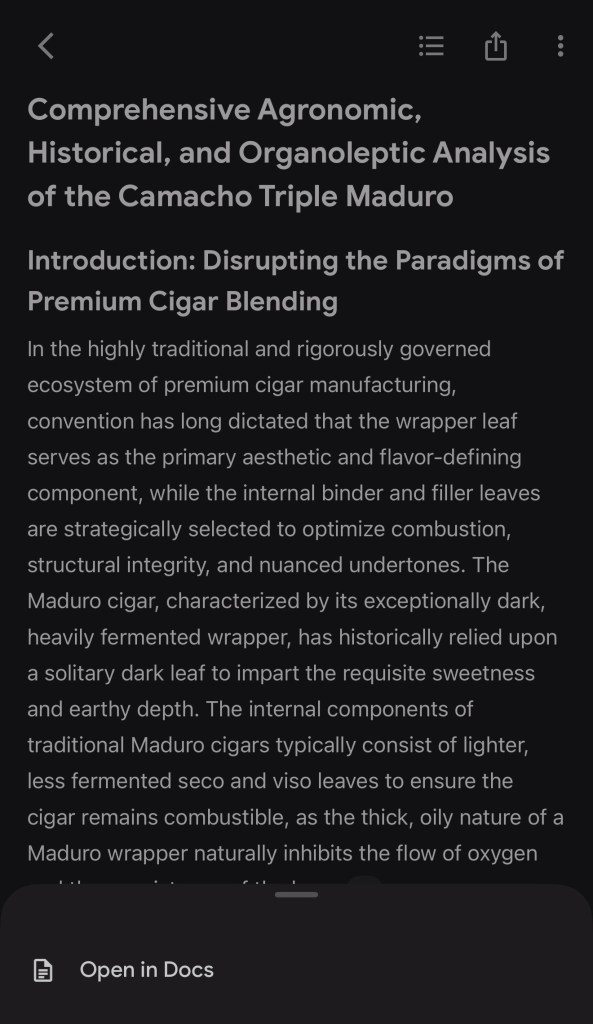
- Generating the Plan: Instead of blindly searching, Gemini Deep Research first generates a structured research plan. Once reviewed and approved, the AI synthesizes dozens of websites to build a comprehensive, expert-level report.
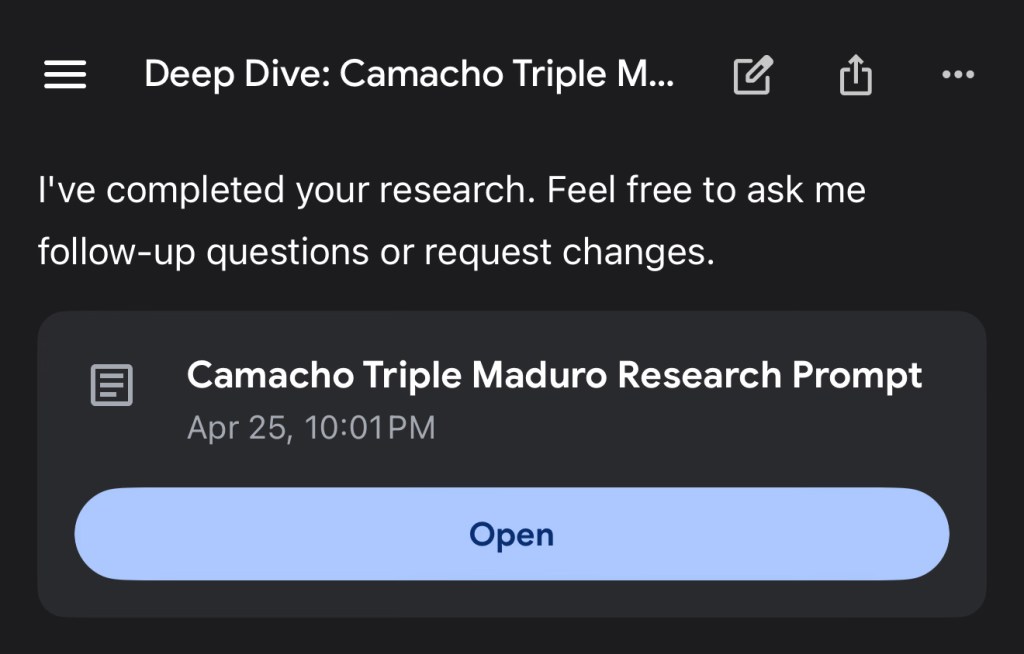
- Exporting: As soon as the research is complete, I immediately export the finalized report into Google Docs so it can be seamlessly fed into our audio generation tools.
2. Audio Generation with NotebookLM
Next, we switch over to Google NotebookLM to turn our dense research document into an engaging, conversational podcast. NotebookLM’s context is intentionally narrow but exceptionally deep and hallucination-resistant because it refuses to answer if the answer isn’t explicitly in the uploaded sources.
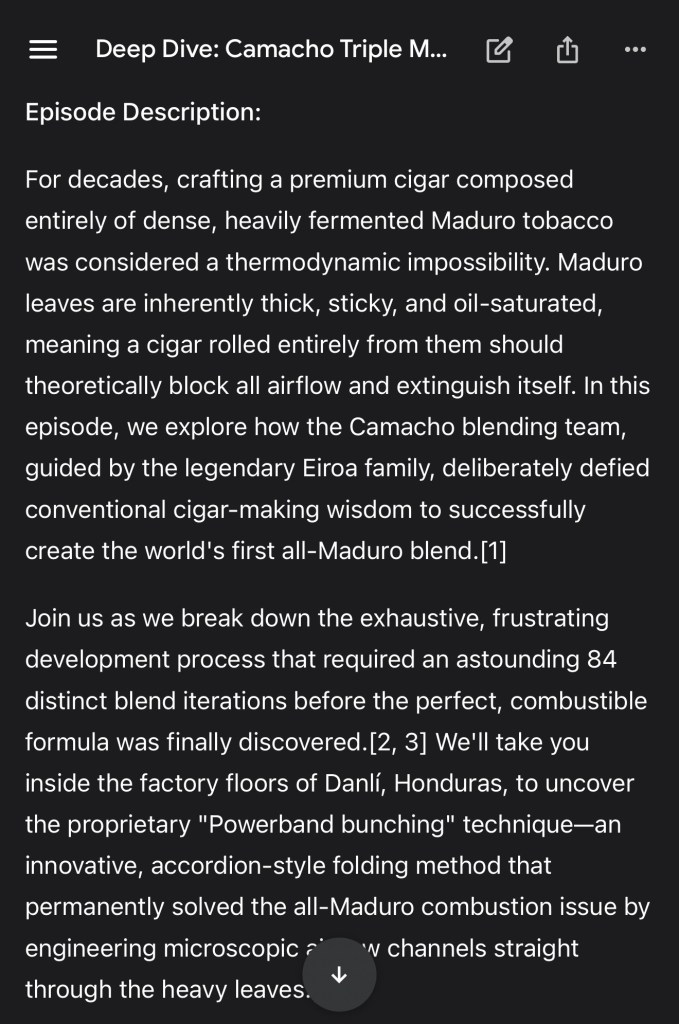
- Web vs. Mobile: While the NotebookLM iOS app is convenient, I recommend using the web app for the heavy lifting to navigate around some of the current mobile limitations. At least with the iOS NotebookLM app I use, feature parity to the web app is lacking.
- Meta Prompting: After importing the Google Doc as our only source, I use specific “meta prompting” to guide the Studio feature. This customizes the Audio Overview, ensuring the AI hosts adopt the right tone for a deep-dive podcast script.
- The Proof of Concept: Want to hear how it turned out? Listen to the final AI-generated audio episode we built in this tutorial here:
3. Generating Cover Art and Infographics
A professional podcast needs strong visual assets.
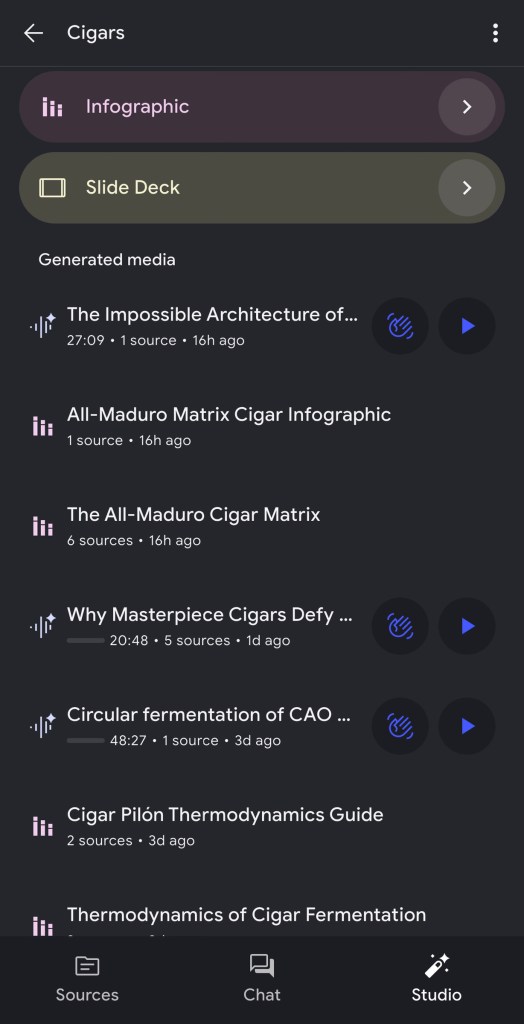
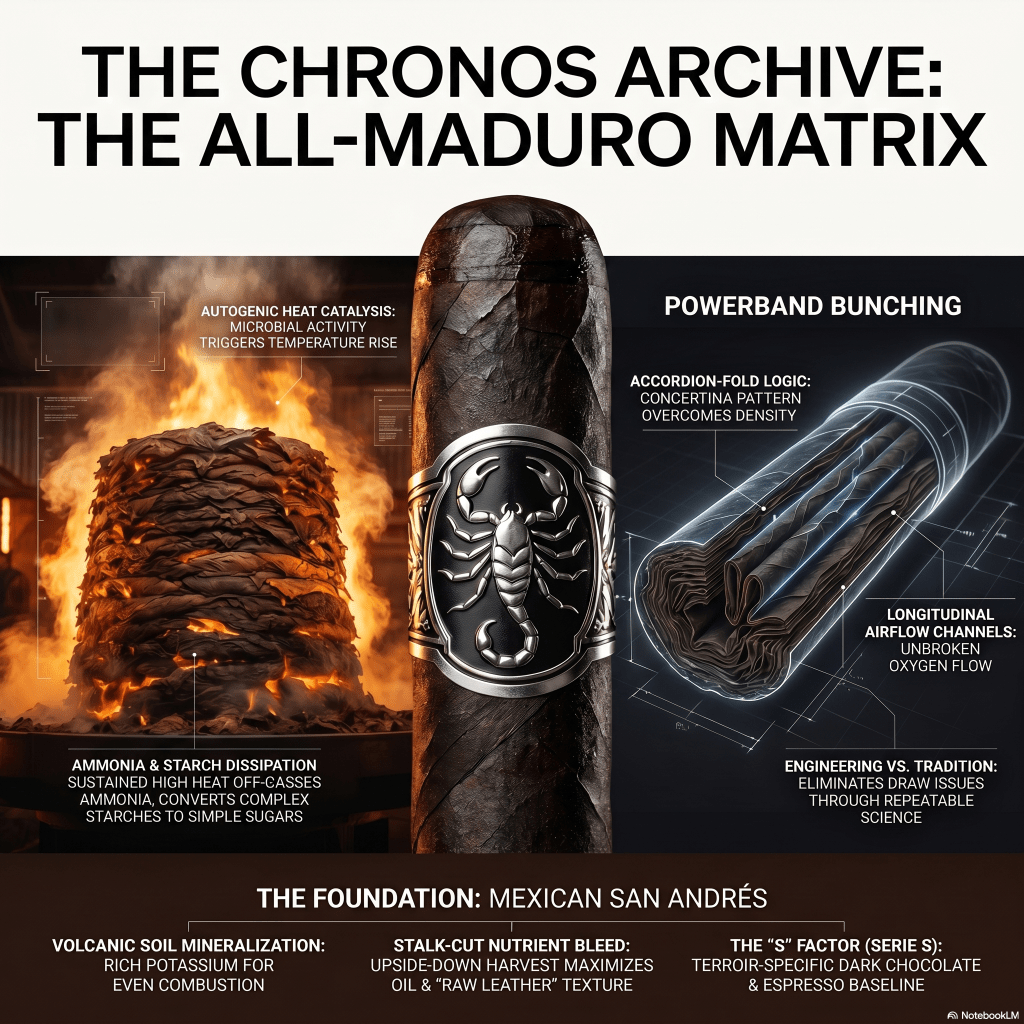
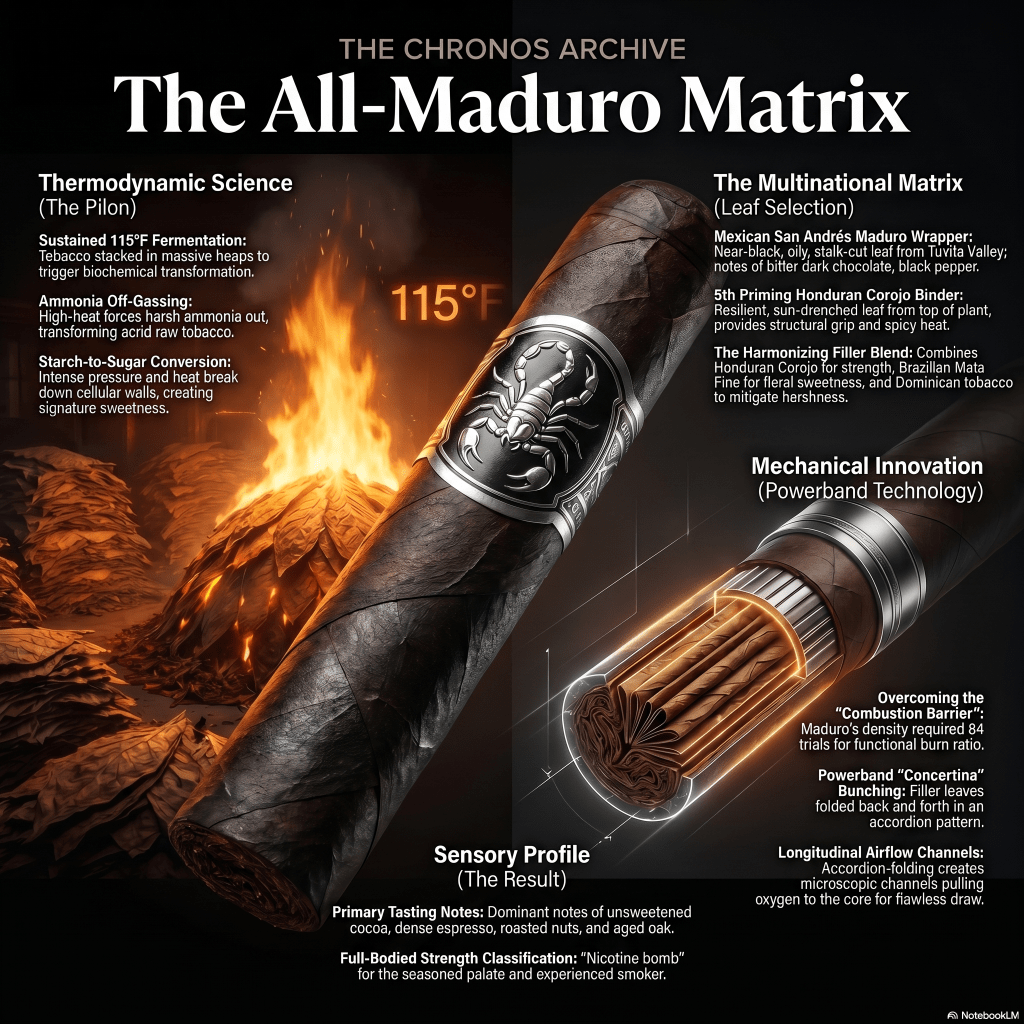
- Still using NotebookLM, I generate a highly descriptive prompt to create an infographic that will serve as our episode’s cover image.
- Despite some minor technical difficulties (which you can see me troubleshoot in real-time in the video!), we successfully generate a striking, custom cover image perfectly tailored to our topic.
4. Interactive Audio Overview & Downloading
With the cover art processing, we return to the NotebookLM Studio.
- I test out the Interactive Audio Overview demo, which allows you to actively shape the conversation and adjust the AI hosts as the audio generates.
- Once the full podcast audio is perfectly polished, I download the final audio file directly to my device.
5. SEO Optimization and Publishing
The final stretch is all about packaging the episode for maximum reach, keeping in mind that optimized titles and descriptions are crucial metadata that help algorithms understand your content.
- Description Generation: I jump back into Gemini to generate a highly optimized podcast description, ensuring our primary keywords are front-loaded.
- Spotify for Creators: Opening the Spotify for Creators app, I upload the downloaded audio file and our newly generated cover image.
- Metadata Entry: I paste in the optimized title, description, and additional details.
- Publish: With everything verified, I hit publish!
If you found this workflow helpful, please hit the play button on the video above and subscribe for more behind-the-scenes technology and content creation tutorials.
🎧 Listen to My Shows:
If you enjoy deep dives that separate signal from noise, check out my podcasts:
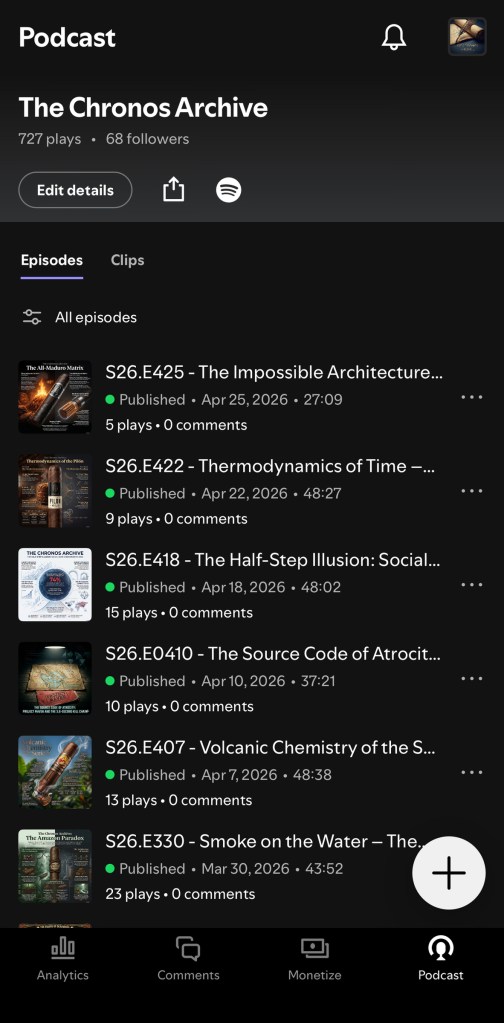
✒️ The Chronos Archive: Spotify | Apple
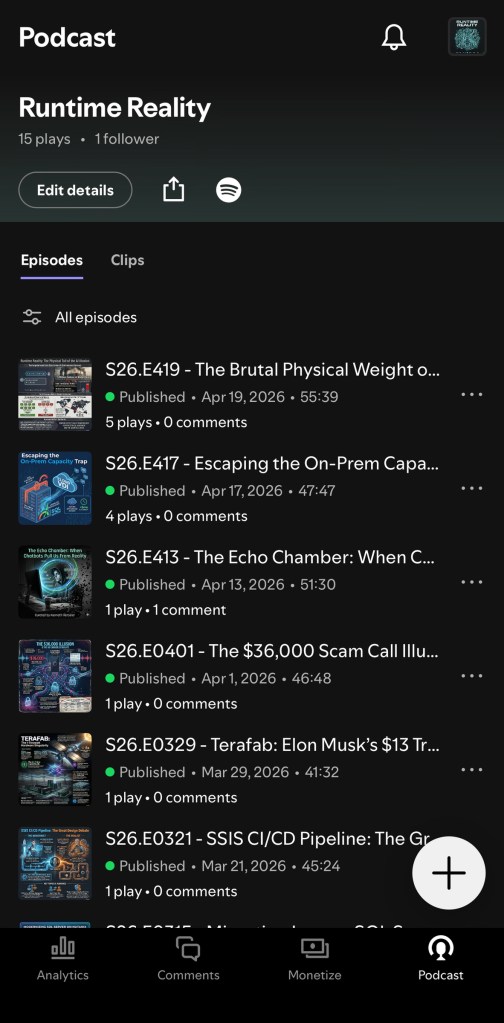
💻 Runtime Reality: Spotify | Apple
Discover more from Musings of My Today
Subscribe to get the latest posts sent to your email.
